
Membership businesses need global payment access without relying only on Stripe or PayPal. Crypto payments allow you to accept customers worldwide, including regions where traditional processors are limited.
This guide explains how to accept crypto on your self-hosted membership website and automate access delivery using InviteMember. It covers CoinPayments integration, access codes, stablecoins, and operational setup.
Payment Models for Membership Websites
There are four practical ways to accept crypto for a membership business:
1. Direct Wallet Payments (Manual Verification)
You publish a wallet address and manually confirm transactions before granting access.
Pros:
- No gateway required
- Full custody of funds
Limitations:
- Manual verification
- No automation
- No subscription management
- Higher operational workload
2. InviteMember + CoinPayments (Automated Access Delivery)
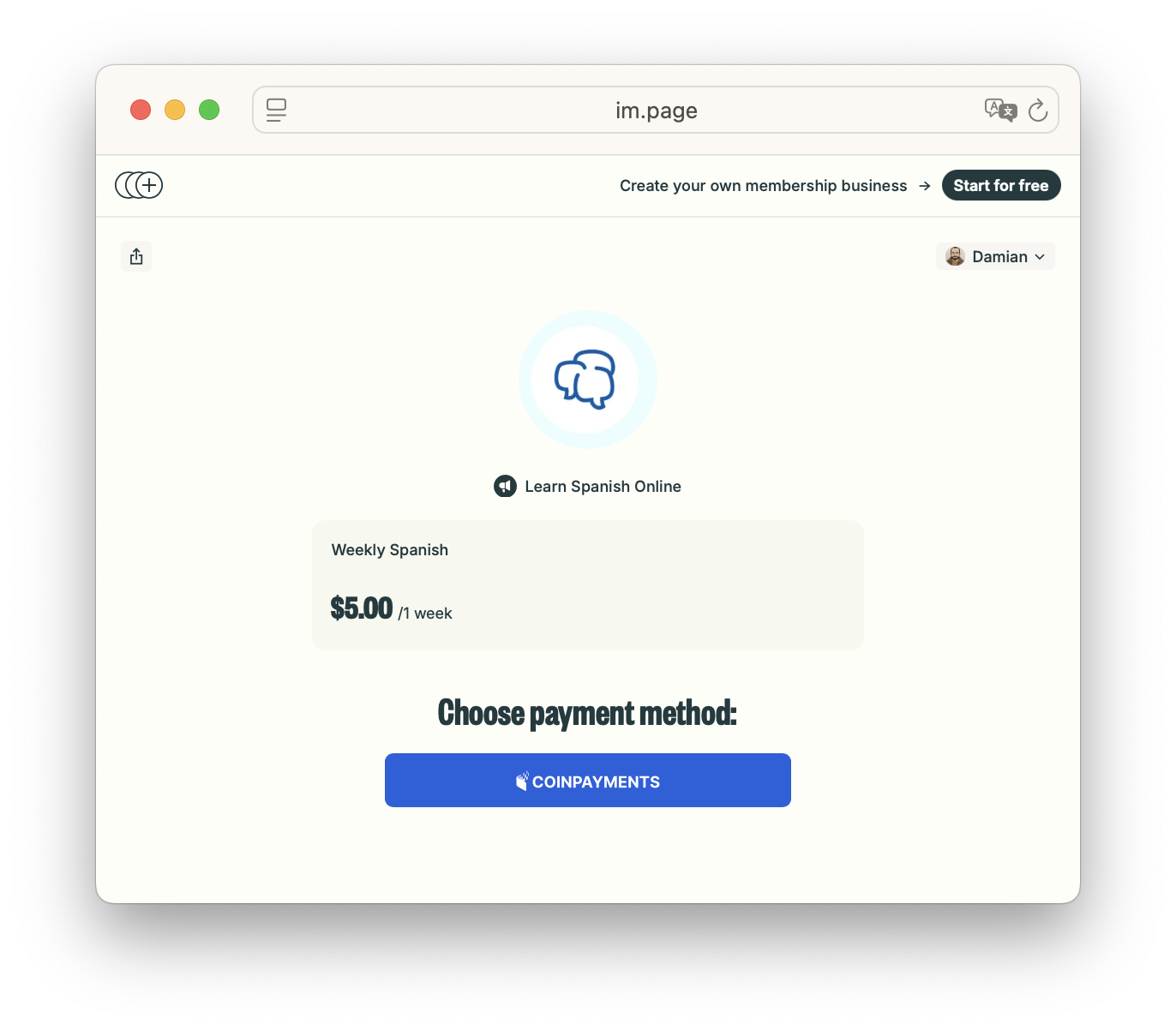
You connect CoinPayments to InviteMember and automatically grant membership access after confirmed payment.
Pros:
- Fully automated access
- Works with Telegram communities
- Supports subscriptions and one-time payments
- Compatible with self-hosted websites
- Supports hosted checkout pages
Limitations:
- Country restrictions may apply
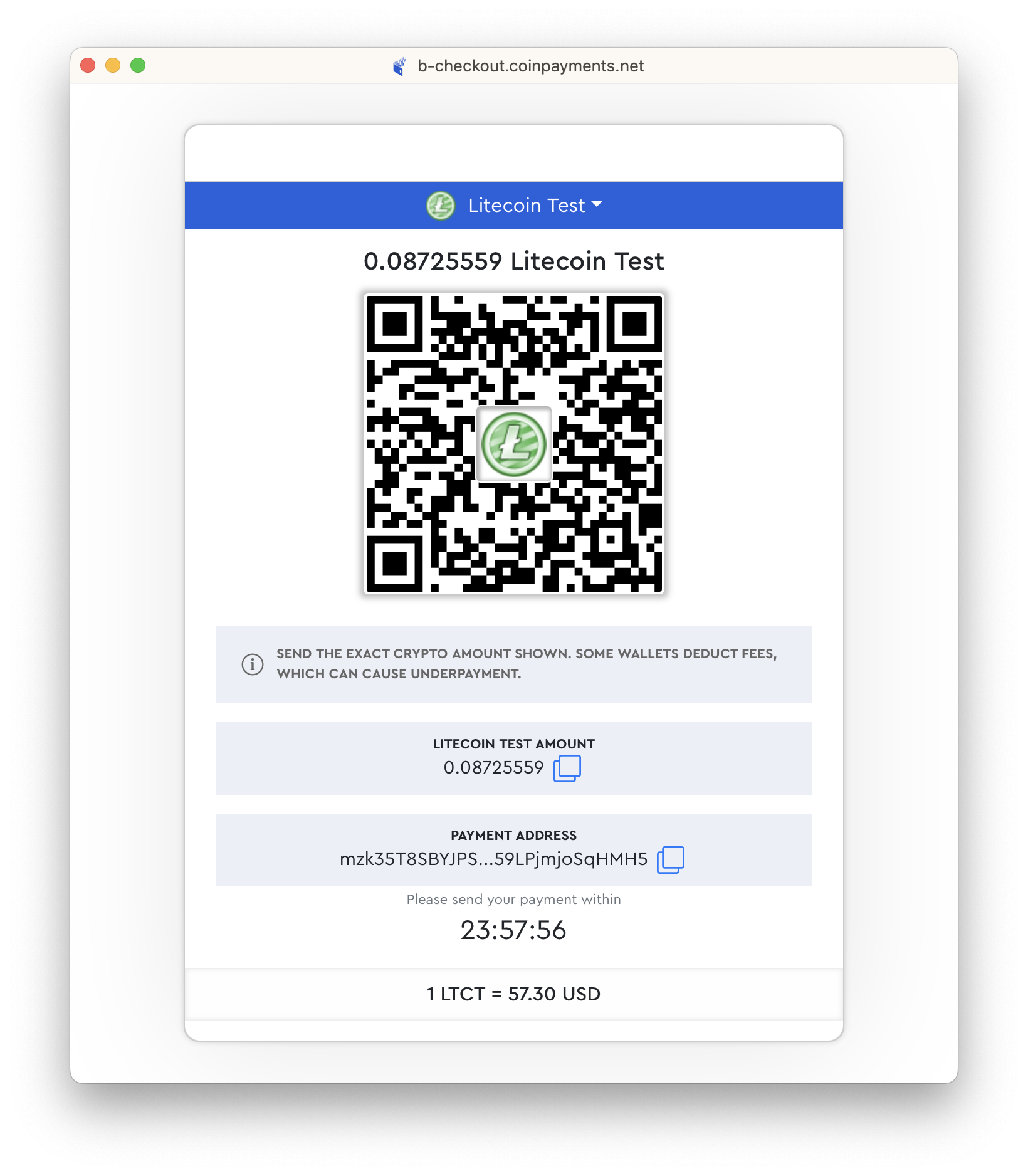
This setup is recommended for membership businesses that need automation and global coverage.
3. Access Codes (Manual or Offline Payments)
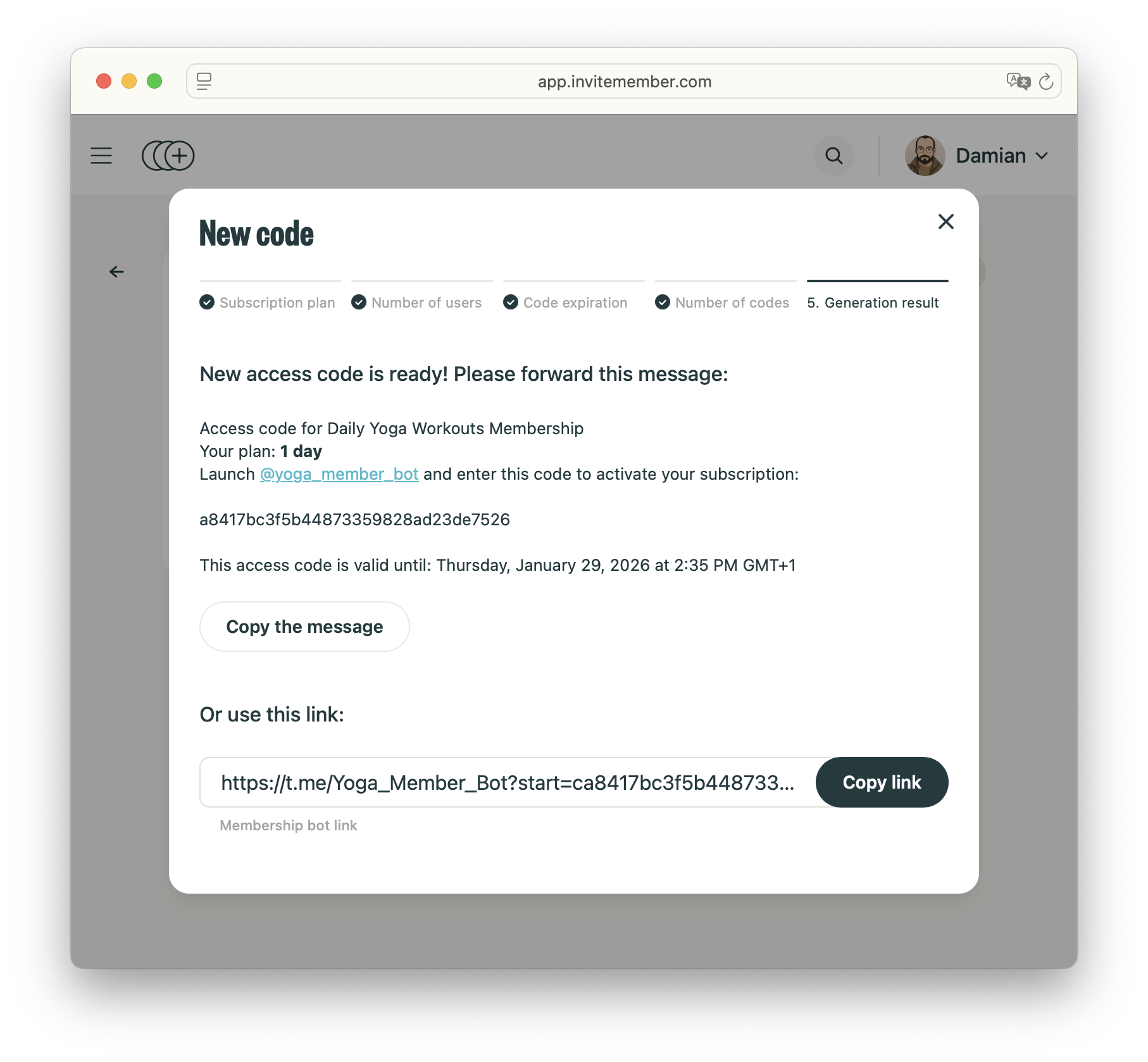
You collect payment manually (crypto, bank transfer, cash, or alternative method) and issue access codes.
Pros:
- Works in all countries
- No gateway required
- Useful for promotions or gifts
Limitations:
- Not fully automated
- Requires manual payment process and validation
Step-by-Step: Accept Crypto on Your Website Using InviteMember
Step 1: Create an InviteMember project
- Go to invitemember.com and press Get Started.
- Choose your project URL (used for your hosted membership page) and set the project name.
- Connect a Telegram private group or channel.
- Start selling subscription plans.
Step 2: Connect CoinPayments
- Open your project payment settings in your web dashboard.
- Click Add + → choose CoinPayments.
- In CoinPayments, create an API Integration and copy:
- Live API URL
- Live Client ID
- Live Client Secret
- Paste those credentials into InviteMember and click Save.
InviteMember will handle payment confirmations automatically and CoinPayments will convert your currencies based on your subscription plans prices.
For the full visual walkthrough, follow the official guide.
Step 3: Go live on your website
Every InviteMember project includes its own self hosted page, you can also connect a subscription bot to manage payments from Telegram.
- Your plan will be in the im.page/domain
- You can customize your address to be something like im.page/myproject
- You can also add images and descriptions to your page for a better onboarding experience.
Step 4: Grow Your Subscription Business
InviteMember includes built-in tools to grow and manage your membership:
- Teamwork: Add team members to manage plans, payments, and support.
- Broadcast messages: Send updates or announcements to subscribers.
- Customer support groups: Connect a support group for paying members.
- Promotional plans: Create limited-time or discounted subscription offers.
- Affiliate program: Reward partners who refer new subscribers.
All subscriber access remains automated based on payment status.
In Short
If you want to accept crypto payments for a membership website, automation is critical.
Direct wallet payments work but require manual validation. Access codes work everywhere but are not automated. InviteMember with CoinPayments provides automated confirmations, subscription management, and automatic access delivery.
Start with your InviteMember project, connect CoinPayments, test a payment, and publish your im.page link. This setup allows you to accept global crypto payments without relying on Stripe or PayPal.

