

Telegram Topics turn one group into a set of separate discussion threads. The group still has the same members and basic permissions, but each topic has its own messages, pinned messages, and notification settings.
Use Topics when one active group has several conversations that keep getting mixed together. They are not separate groups, and they do not give different members access to different areas.
Choose the right structure first
| What you need | Best option |
|---|---|
| One busy group with repeated conversations about different subjects | Telegram Topics |
| Different member groups that need different private access | Separate private groups or channels |
| A one-way stream of news or updates | A Telegram channel |
| A small group where almost every message belongs in one conversation | Keep one normal group chat |
For example, a course community may use one group with Topics for questions, feedback, and casual discussion. A premium tier with extra calls or material needs a separate private group or channel, because a Topic cannot have its own member list.
Turn on Topics in your group
Topics work in a Telegram forum supergroup. The group owner can turn them on or off.
- Open the group and tap or click its name.
- Choose Edit, Manage Group, or the pencil icon.
- Find Topics and turn it on.
- Save the change, then return to the topic list.
The exact button name can vary between Telegram mobile and desktop apps. If you do not see Topics, update Telegram and check that you are the group owner. A basic group may need to become a supergroup before Telegram can use forum mode.
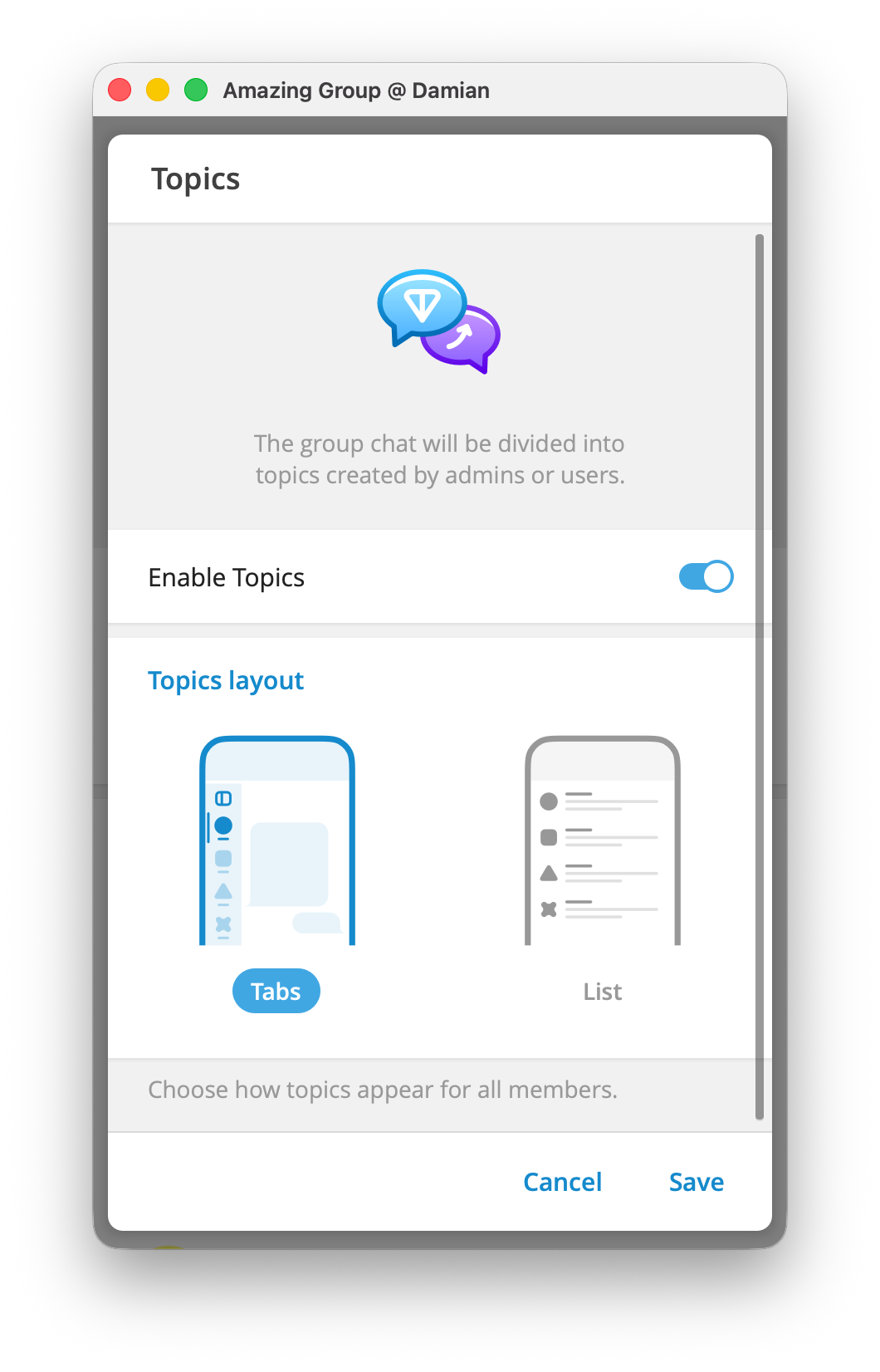
When Topics are enabled, Telegram adds the General topic. It holds the earlier group history and service messages. You can rename or hide General, but you cannot delete it.
Create your first Topics
From the topic list, select New Topic, the plus button, or the pencil icon. Give the topic a short name, choose an icon, and create it.
Start with three or four Topics that match conversations members already have. A useful first set is:
| Topic | Put here |
|---|---|
| Start here | A short welcome, group rules, and links people need often |
| Questions | Member questions and answers |
| Feedback | Suggestions, requests, and reports |
| Community | Conversation that does not fit the other Topics |
Send one opening message in each Topic. Explain what belongs there and pin that message when people will need it again. Add another Topic only after members repeatedly need it.
Decide who can create Topics
The owner can control this in the group permissions. In a busy community, let admins create and manage Topics. Members can post in the existing Topics without creating new, empty threads.
Give a moderator the permission to manage Topics only when that person needs to rename, close, reopen, or create them. Keep the group-wide member rules separate: Topics organize conversations, but they do not create a new set of member permissions for each thread.
Close a Topic before deleting it
Close a Topic when the discussion is finished but its messages are still useful. Members cannot add new messages until an admin reopens it.
Delete a Topic only when you also want to remove its messages. Telegram deletes the Topic history with it. This is useful for a test or duplicate Topic, not for an old event that people may need to read later.
Use Topics in a paid Telegram community
Topics are useful for organizing one private member group, but they are not membership tiers. Every person who enters that group can see its Topics.
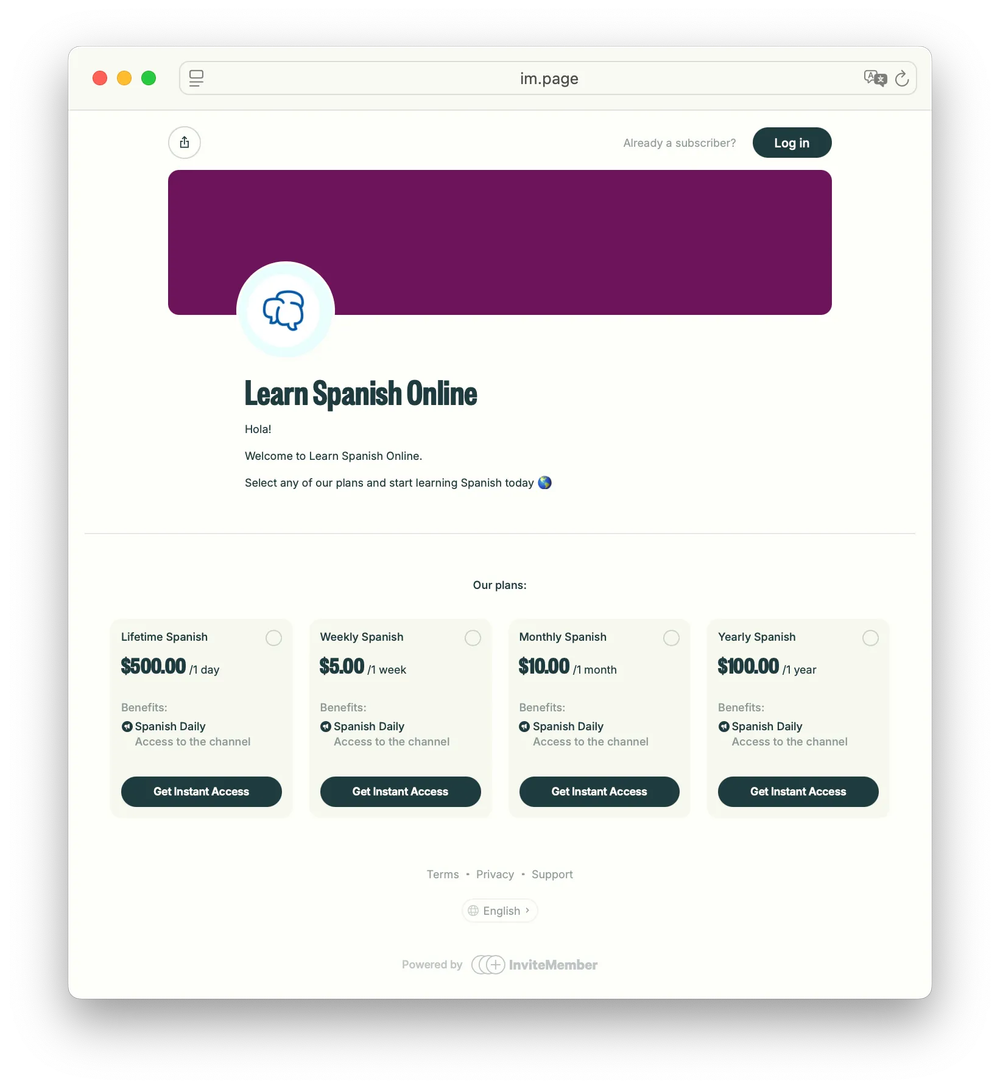
For a paid group with InviteMember, connect the private Telegram group in Settings > Resources, then add that group resource to the subscription plan. Eligible customers receive a unique join-request link. InviteMember approves the join request and removes the member when the subscription or trial ends. See how to add resources to a subscription plan for the full connection path.
When one plan needs a different private area, create a separate group or channel and add it as a different resource. Then include the correct resource in each plan. That keeps access rules clear while Topics keep each individual group easy to use.
For broader group setup, see this guide to Telegram community management.
FAQ
Do Topics create separate Telegram groups?
No. They are separate conversations inside one forum group. The group keeps the same members and baseline permissions.
Can all members create Topics?
Only when the group owner allows it in the group permissions. The owner can keep creation and management with admins.
Can a Topic have its own paid access?
No. Use a separate private Telegram group or channel when one membership plan needs different access.
Do old messages disappear when I enable Topics?
No. Telegram places the earlier group history in the General topic.
Final answer
Use Telegram Topics to keep different conversations inside one active group easy to find. Keep the first setup small, make the Topic names clear, and use separate groups or channels whenever access needs to be different.

