

Telegram Wallet Pay is a merchant API for a custom checkout in a Telegram bot or mini app. The merchant needs an approved Wallet Pay account, a store, an API key, and an application that creates and checks orders. Wallet Pay's documentation describes this flow.
| Your goal | The right starting point |
|---|---|
| Let one person send you crypto directly | A wallet transfer; you confirm the payment and deliver the order yourself |
| Build a custom checkout in a Telegram bot or mini app | Wallet Pay, if you meet its requirements and have development resources |
| Sell a digital good or service inside a Telegram bot or mini app | Telegram Stars, as required by Telegram for that in-app flow |
| Sell access to a paid community with plans, access control, and renewals | A membership payment flow built for subscriptions |
Wallet Pay, Wallet, and Telegram Stars
- Wallet is the customer-facing service where a person can hold or use supported assets.
- Wallet Pay is the merchant platform that lets a business build a checkout flow connected to Wallet.
- Telegram Stars are Telegram's in-app payment units for digital goods and services sold inside bots and mini apps.
- A direct crypto transfer is a payment from one wallet to another. It does not create an order, notify your system of a purchase, or deliver access.
How a Wallet Pay checkout works
Wallet Pay uses an order API:
- The customer selects a purchase in your bot or mini app.
- Your system creates a Wallet Pay order for that customer and receives a
directPayLink. - Your bot or mini app shows the link to that customer.
- Wallet checks the customer's account and lets them confirm the payment or top up first.
- Wallet Pay returns the customer to the address you set and reports the order result to your system.
- Your system verifies the paid order before it delivers the product or access.
The directPayLink is tied to the customerTelegramUserId on its order. It must open in the related bot or mini app. It is not a public checkout link for a channel post: opening it from a different Telegram account or context can fail.
Merchant requirements
- Merchant account: Apply, provide the requested business information, and complete verification when required. Wallet Pay may limit access by business or location.
- Store and API key: Create a store and API key after approval. Keep the key in your server configuration, not in a Telegram message or client-side code.
- Backend: Create the order, set the customer Telegram ID, show the correct link, and receive or check the final order status.
- Delivery: Run the product, booking, download, or access step only after your backend confirms payment.
- Terms: Read the current Wallet Pay merchant agreement before applying.
Wallet Pay labels its public API as beta. Check the current documentation whenever you change the checkout.
Wallet Pay does not replace Telegram Stars
Telegram has a separate rule for digital goods and services sold inside Telegram bots and mini apps: those in-app payments must use Telegram Stars. A cryptocurrency payment through Wallet Pay is not a replacement for a Stars checkout in that situation. Telegram's payment documentation states this directly.
Physical goods and services can use different currencies or providers under Telegram's separate payment guidance. Wallet Pay eligibility still depends on its merchant terms and local constraints.
When a paid community needs a different route
A paid community needs a subscription plan, a payment route, access to the correct private resources, expiry or renewal rules, and member communication. Wallet Pay's order API does not provide these membership functions.
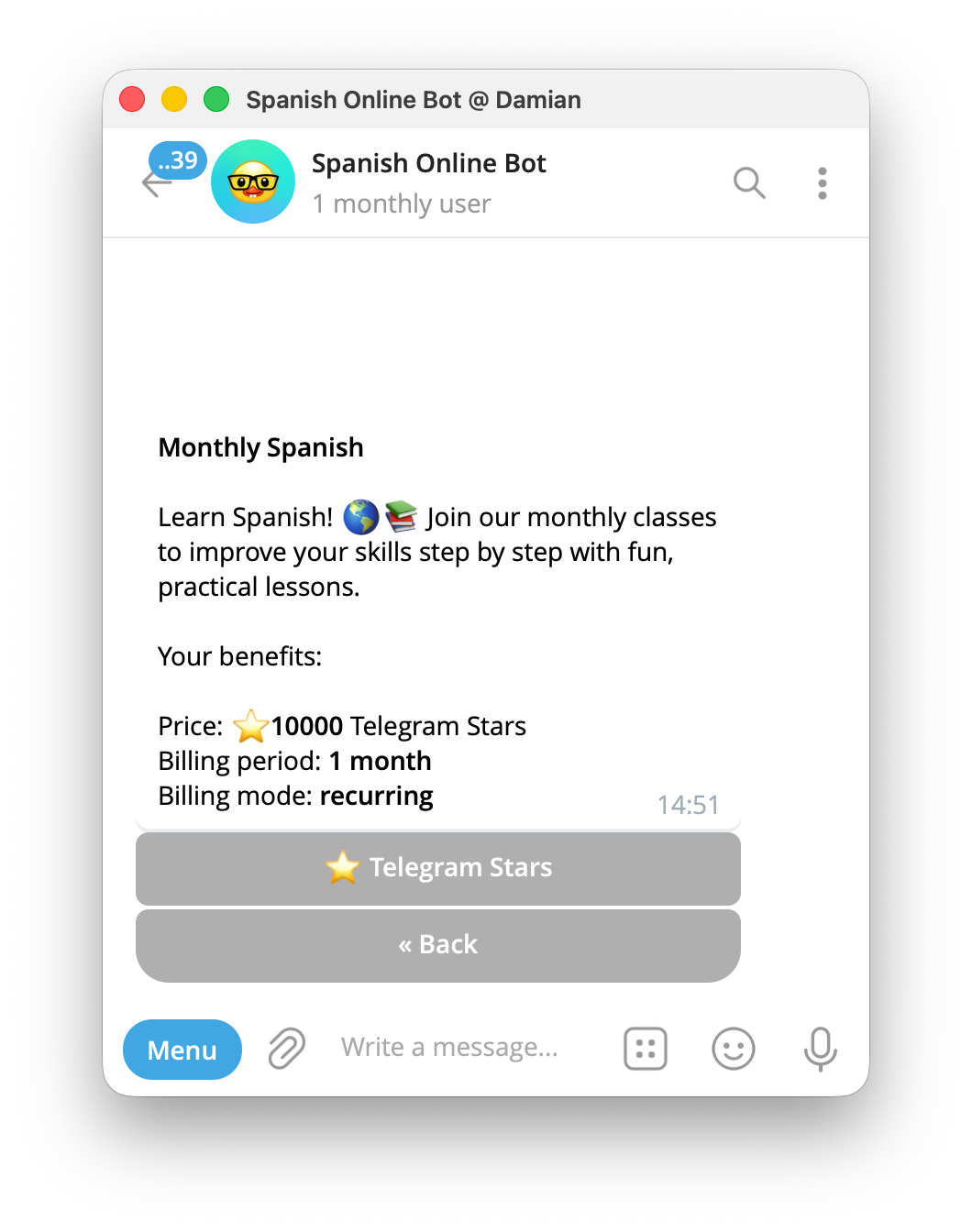
InviteMember's current payment options include payment providers, Telegram Stars, and Access Codes for subscription projects. It connects completed payments to membership plans and private access.
Wallet Pay is not listed as an InviteMember payment option. If your business specifically needs Wallet Pay, it remains a separate custom integration. If you only need to accept crypto for a paid community, see how to accept crypto payments in Telegram for a membership-focused route.
How to use a Wallet Pay link
- Create the order after the customer starts a purchase in your bot or mini app.
- Send the resulting link only in the Telegram context for that customer.
- Confirm the paid order in your backend before delivery. A button tap or return page does not prove payment.
- Give customers a contact route for missing delivery, canceled orders, and refunds.
FAQ
Is Wallet Pay the same as the Wallet service in Telegram?
No. Wallet is the customer-facing service. Wallet Pay is the merchant platform used to build payment checkout for a business.
Can I share one Wallet Pay payment link with my audience?
No. Wallet Pay says its directPayLink is tied to the Telegram user specified for that order. Create an order for the person who starts the purchase instead of treating the link as a public checkout URL.
Can Wallet Pay replace Telegram Stars?
Not for digital goods and services sold inside a Telegram bot or mini app. Telegram requires Stars for that in-app payment flow.
Does Wallet Pay manage a recurring paid community?
Wallet Pay documents a custom merchant order flow. A paid community also needs subscription plans, access control, renewal handling, and member communication. Choose a membership system when those are the main job.
When Wallet Pay fits
Wallet Pay fits a business that can build and maintain a verified, customer-specific order flow in a Telegram bot or mini app. It does not replace Telegram Stars for digital sales inside Telegram or membership software for paid community access.

