

A paid Telegram channel is a private channel that people join after paying. You can charge a monthly fee through Telegram's Star Subscription invite link, or use a membership service when you need a hosted checkout, different payment options, or more than one channel or group in the same plan. The setup differs by route, especially the link you share with buyers.
Choose how people will pay and enter
| Your offer | Payment and entry route | Link to share |
|---|---|---|
| One private channel with a monthly price in Telegram Stars | Telegram's native Star Subscription | The paid channel invite link |
| A channel with a membership page, another supported payment option, or access to several spaces | A membership project such as InviteMember | The membership page or bot link where that plan is available |
Telegram's native paid link is for a channel, not a plan covering several groups and channels. A paid photo or video post is also different: it charges for that post, not for continuing access to the channel.
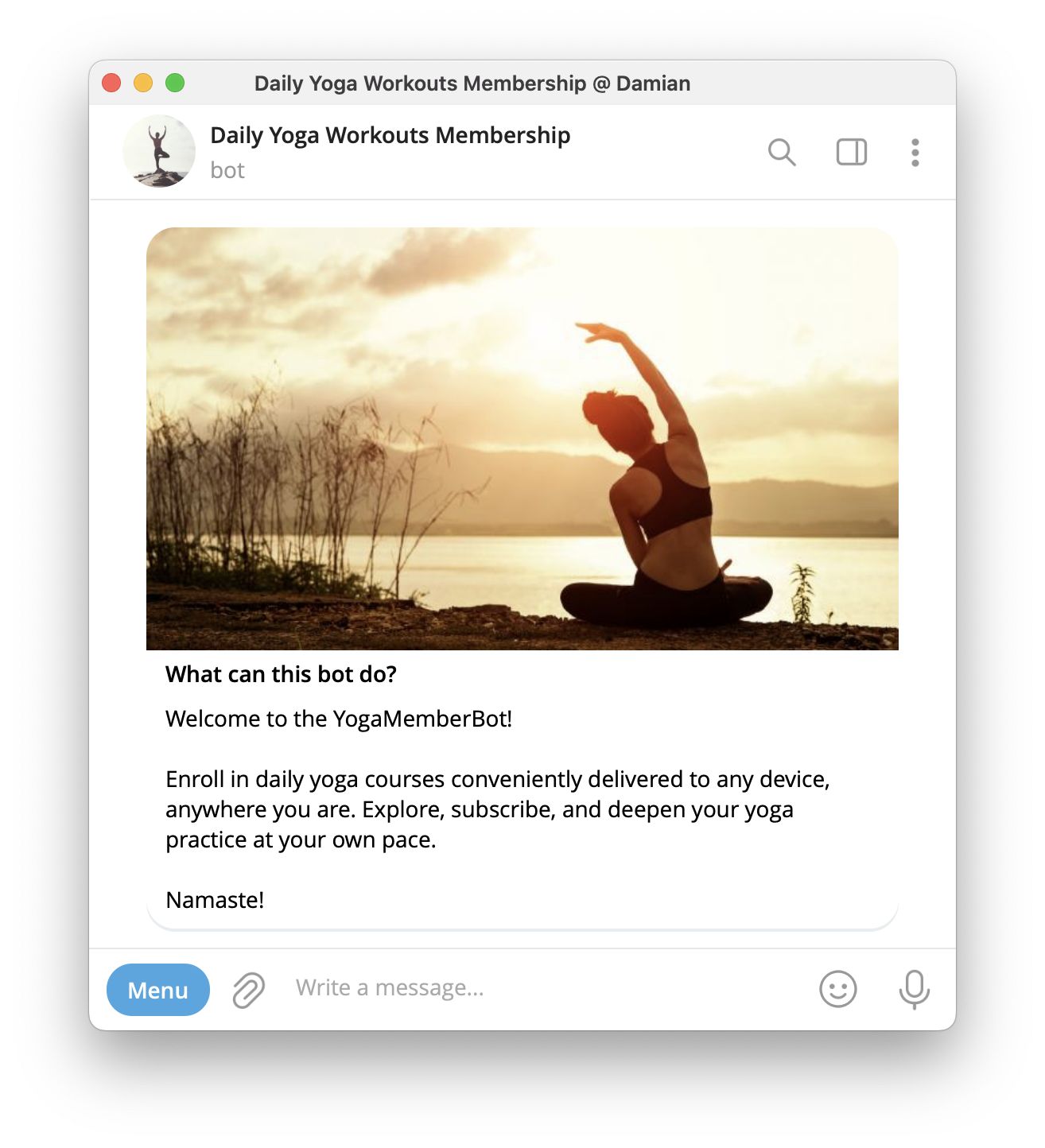
If you want members to discuss your posts, you can add a private group to a membership plan. First choose whether you need a channel, a group, or both.
Create the private channel
In Telegram, open the New Message or compose menu and choose New Channel. On iPhone, the compose button is at the top of Chats; on Android, it is the pencil button in the chat list. Give the channel a name, then choose Private when Telegram asks for its type. You can skip adding subscribers for now. The channel creation guide covers the rest of Telegram's channel settings.
Route 1: Create a native paid channel link
Open the private channel you own. In its settings, go to Channel Type > Manage Invite Links > Create a New Link and enable Require Monthly Fee. Set the amount in Stars and create the link. Open it from a second Telegram account to check that it shows the monthly charge before entry; completing the purchase will spend real Stars.
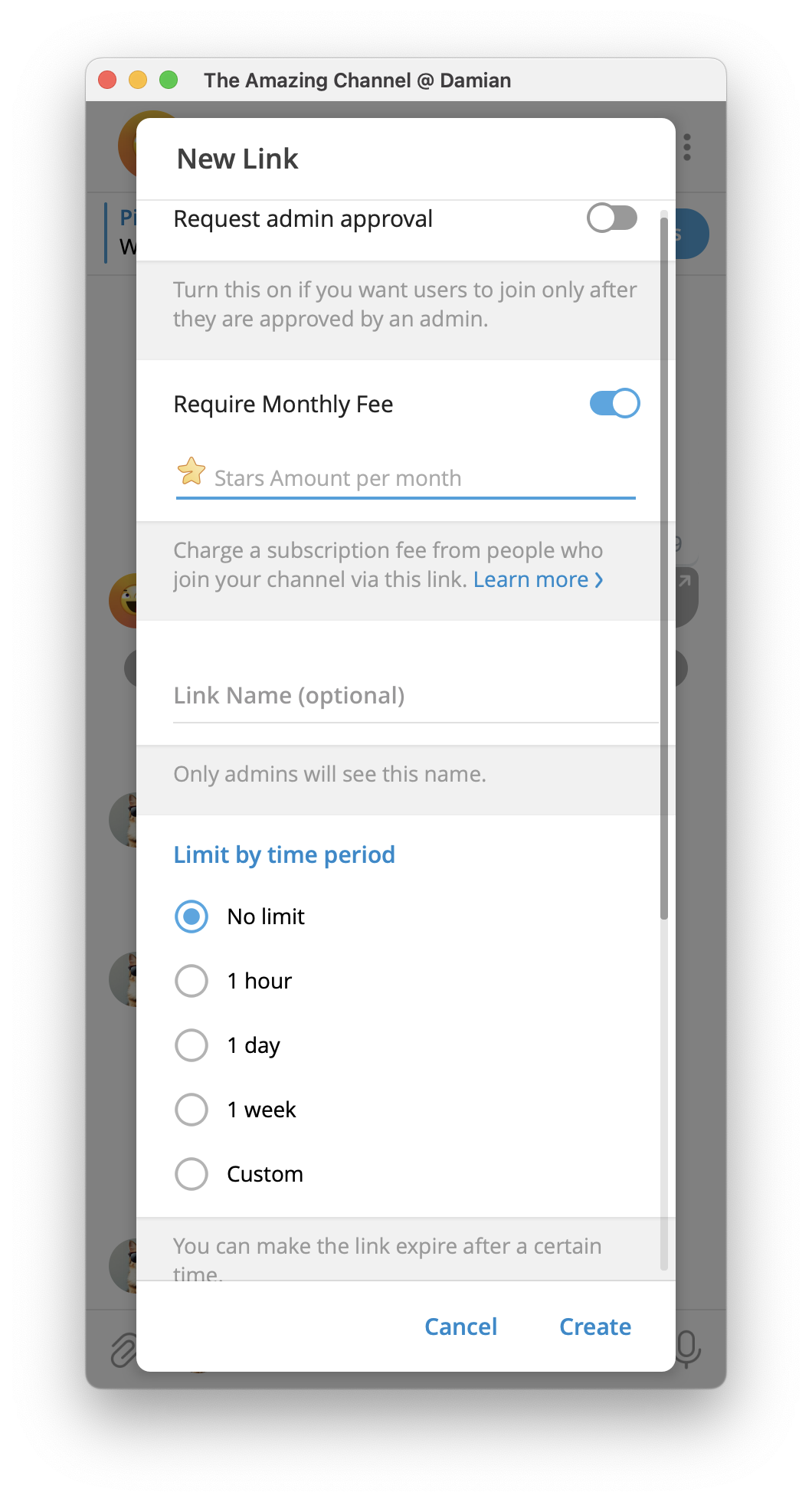
Share that paid link with your audience. A normal private invite link to the same channel would admit people without the monthly Star payment. If you already use a membership service to control this channel, do not add a separate native paid link to that managed access flow.
Route 2: Create a paid channel with InviteMember
InviteMember keeps the offer, payment, and access together in a project. Its hosted membership page can be the main signup route. A Telegram membership bot is optional unless you want to take Telegram Stars payments in the bot. This route is useful when one plan should include a channel and perhaps a discussion group, or when you want to offer payment options beyond a native channel's Stars-only link.
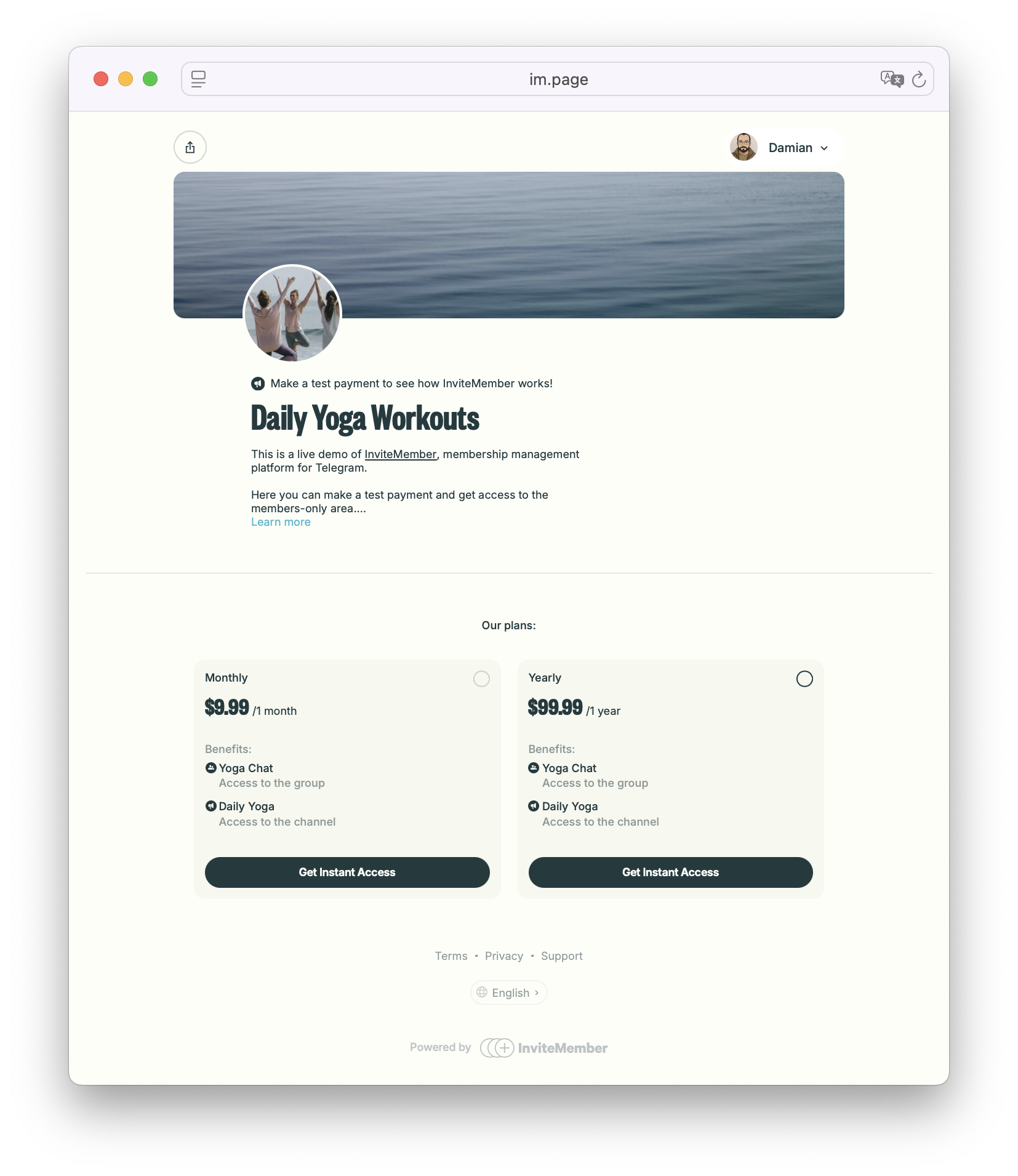
- Create the project. Open InviteMember's project setup and create your membership project. Your project gets a hosted
im.pagepage where people can see plans and sign up. - Connect the private channel. In the project dashboard, open Settings > Resources > Add new > Telegram Channel. Select Open Telegram, then Connect Channel and choose the private channel you own. If you do not have one, use Create a New Channel for This. Accept the connection requested in Telegram, then return to the dashboard with Continue. The connection supplies the access permissions InviteMember needs; there is no separate list of channel admin settings for you to tune.
- Put the channel in a plan. Open Settings > Subscription Plans > Add New Plan +. Enter the plan name, price, currency, and billing period. Include the connected channel under the plan's resources. A connected channel that is not included in the plan will not be delivered to that plan's subscribers.
- Connect a payment option. Open Settings > Payment options and connect the provider you will use. Stripe and PayPal support recurring subscriptions; other supported payment options have different renewal behavior. Telegram Stars is the in-bot payment route for digital memberships; a Stars plan needs the membership bot and does not appear as a payment option on the membership page. Your hosted page can offer the other payment options you connect.
- Test as a buyer. For a page checkout, open the membership page from another account and use your provider's test mode if it offers one. For a Stars plan, open the membership bot from another Telegram account; InviteMember has no separate Stars test mode, so a completed check uses real Stars. In either route, confirm the plan price, payment result, Join button, and channel entry. If the page buyer signed up with email, complete the Telegram connection step before checking access. Test every part of the project before sharing it publicly.
You can use the same plan to include a private discussion group after connecting that group as another resource. For the details of what happens at renewal or expiry, see how recurring payments work for paid communities.
Share the link that matches your setup
For a native Star Subscription, share the paid Telegram invite link you created. For InviteMember, share the im.page link for a web checkout, or the membership bot link for a Stars plan. You can also use a direct plan link when you want a post or ad to open one offer. Do not publish the private channel's ordinary Telegram invite link for an InviteMember project. That link is not a checkout and can let someone enter without buying the plan.
Before sending the link widely, ask one person using a different Telegram account to complete the same route a customer will use. They should see the price, pay or activate the plan, and reach the right channel. An InviteMember bot can already receive member support messages. If several people will answer them, set up a team to reply from the same bot.
Questions before launch
Can I make a paid Telegram channel without a bot?
Yes. Telegram's native Star Subscription link charges a monthly fee for channel entry without a separate membership bot. With InviteMember, the hosted membership page can be your main signup route for its available payment options. An InviteMember Stars checkout needs the membership bot.
Can I charge for a group as well as a channel?
InviteMember plans can include private Telegram groups and channels as separate resources. Telegram's native monthly Star Subscription invite link is a channel feature; it is not a multi-resource membership plan.
What does a buyer see after payment?
On a native Star Subscription link, the buyer pays Telegram to join that channel. With InviteMember, a confirmed plan shows the channel's Join button on the membership page or in the bot. If the buyer used email on the page, they may need to connect their Telegram account before the button appears.

