

There is no single right price for a paid community. Start with what members receive, the result or access they expect, the time it needs, and their alternatives.
First decide what access is for, whether it renews, and a price you can support. State it before payment. A low price does not fix a vague offer, and a high price does not fix work you cannot deliver.
Decide what the member is paying for
Before choosing a number, base it on the plan's benefits: what members get, how often they get it, and why it is useful. Make those details clear on the plan description and membership page before payment.
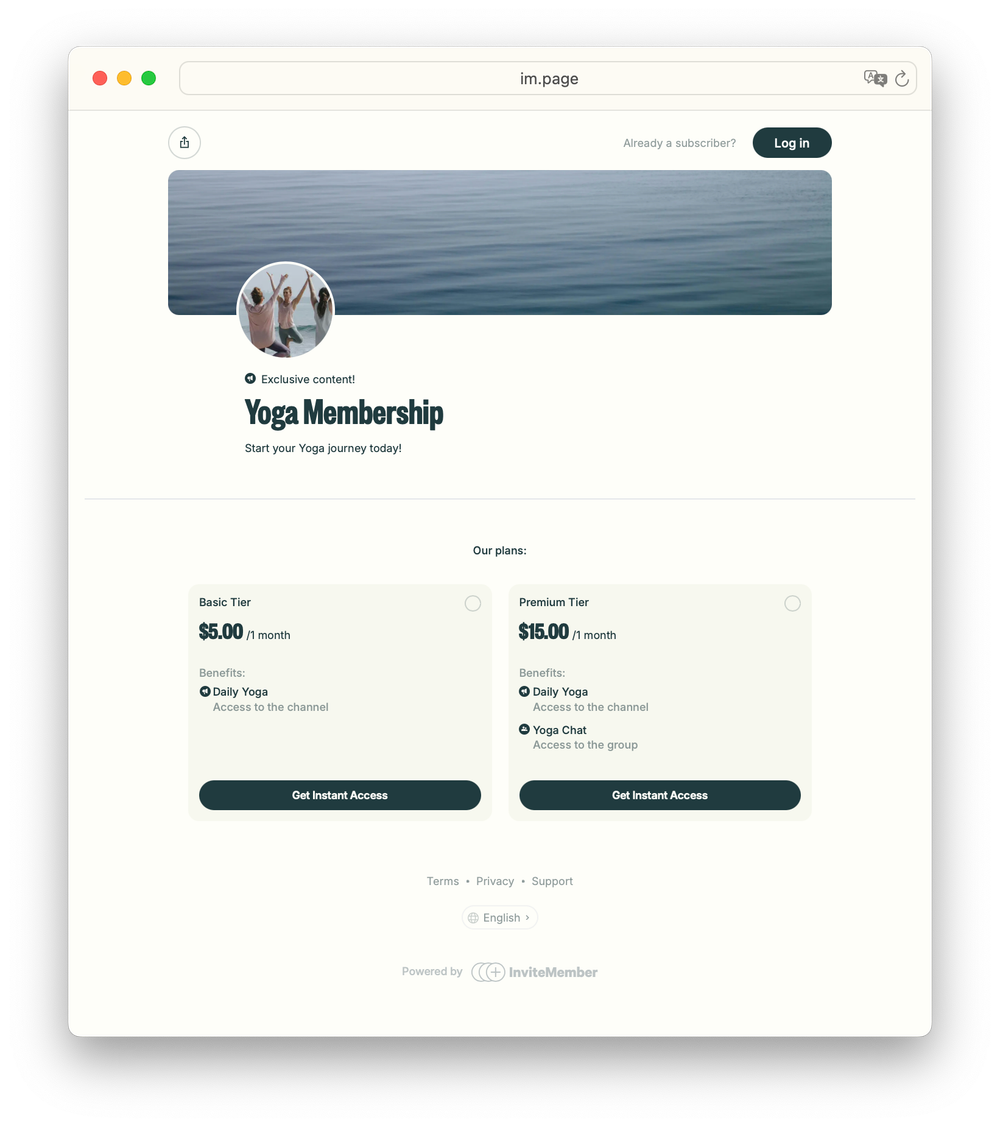
For example: "Monthly membership with a practical update every weekday, member discussion in the private group, and one live question session each month."
This turns a vague group into an offer a buyer can judge. "Private community" is not enough; say whether they pay for regular content, discussion, feedback, events, personal help, or a fixed program.
Is it ongoing access or a fixed pass?
First decide whether access is ongoing or ends on a set date. Then choose monthly or annual billing.
| What you sell | A good payment structure | What the plan must say |
|---|---|---|
| New content, discussion, calls, or support that continues each period | Recurring membership | What continues and how often it renews |
| A workshop, short program, event, or limited pass | One-time payment | The exact end date or access period |
| A small group with personal feedback or direct access | Recurring membership with a clear member limit | What personal help is included and how much access members receive |
Do not use a recurring plan only because the offer has a private group. A four-week program needs a one-time payment. New value every month can justify a recurring membership. The membership versus subscription guide can help when the promise is still unclear.
Choose a first price with three checks
1. Start with the result, not the list of features
Ask what becomes easier, faster, safer, more profitable, or more enjoyable for a member. It may be learning a skill, receiving reliable information, meeting peers, finishing a project, or getting useful feedback.
Features show how you deliver the result. Ten empty channels are not worth more than one focused channel with useful material.
2. Check the buyer's real alternatives
Check how else a buyer could solve the same problem: free content, a course, another group, a specialist, or doing nothing. Use those prices as context, not as a number to copy. Their audience, proof, workload, and access may be different from yours.
3. Check the amount of work you can keep doing
Price the offer you can run well after the first month. A feedback group or coaching membership needs a higher price or member limit because your time is part of the product.
Multiply a realistic early member count by the proposed price. That income must support the time and costs needed to keep the promise. If it does not, change the price, workload, or offer.
Start with one plan unless people need a real choice
Start with one clear plan. Add another only for a real difference: a monthly or annual period, extra resources, or limited personal feedback. Do not create three plans that unlock the same community with different names.
Use annual and founding prices carefully
An annual option is upfront payment for a year. Use one only when you can deliver the same value for that year and show the saving clearly.
A founding price can reward the first members while you improve the offer. State who can use it, when it ends, and whether it renews at that rate.
Trials and discounts can help with a real reason for hesitation, but they are not a replacement for a clear price. The membership-offers guide explains them in more detail.
Change a price without confusing current members
You may need to raise a price when the offer changes or the current price cannot support the work. State why, the start date, and whether people on the old plan can renew at its current terms or need the new plan.
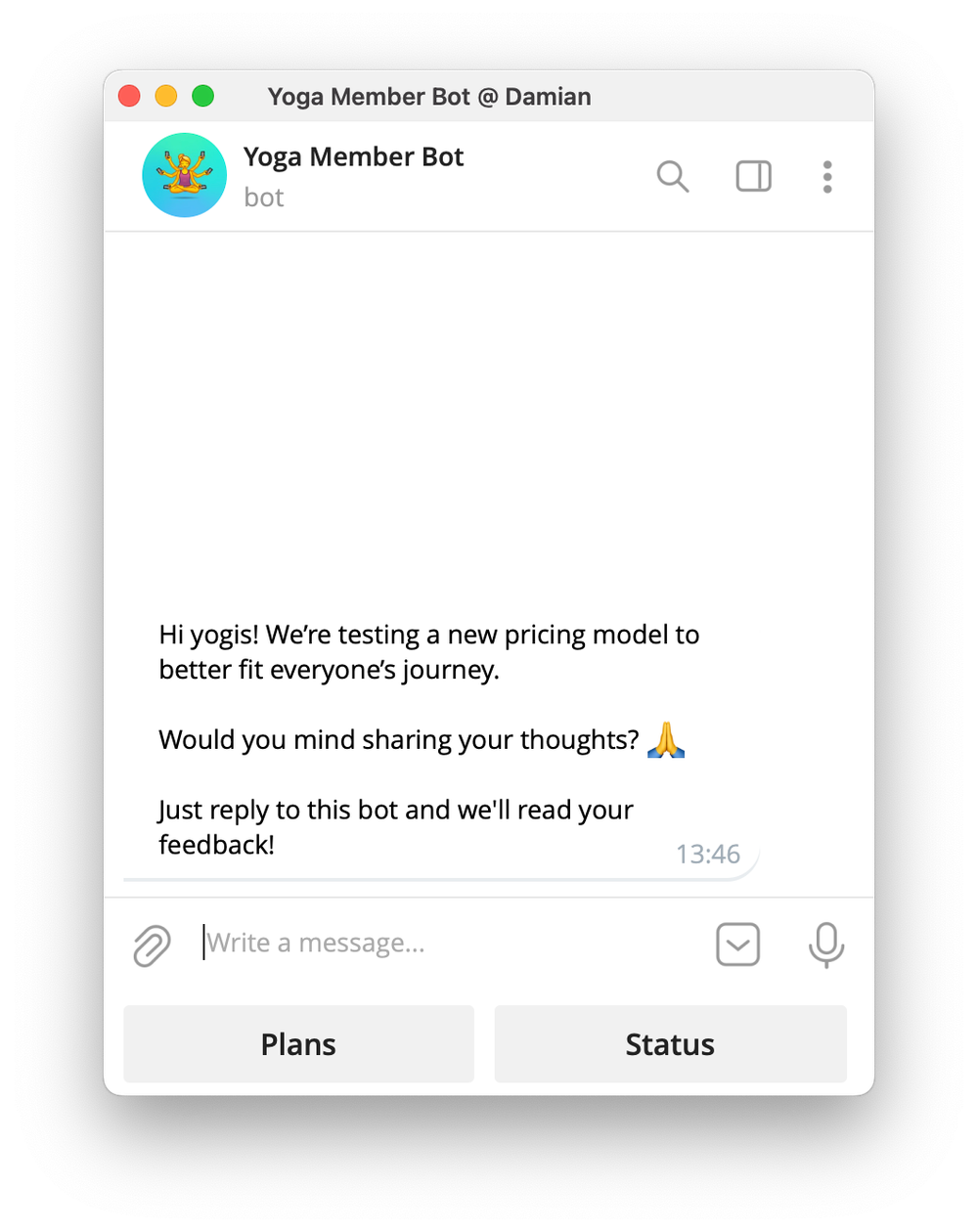
In InviteMember, create a new plan version when the price, currency, or billing period changes. Those fields cannot be edited on an existing plan. Duplicate it, set the new details, and use it for future sign-ups.
If you disable the old plan, new people cannot choose it. Turn on Allow Disabled Plan Renewals only when people who used that plan should be able to renew it. Duplicating a plan does not move anyone or set renewal terms automatically.
Put the price into a clear plan
Now create the offer people will see.
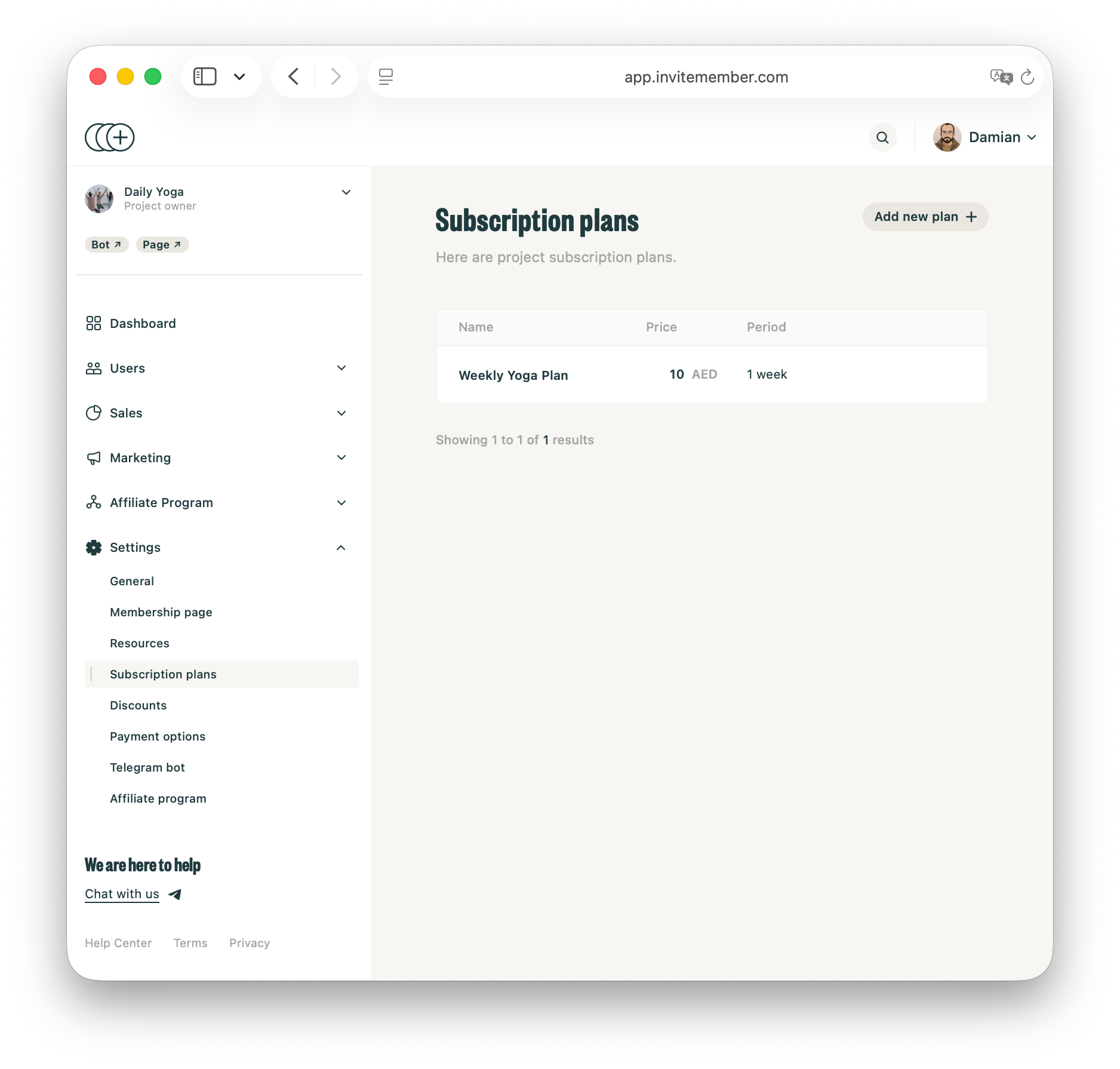
In InviteMember, go to Settings > Subscription Plans and click Add New Plan +. Set the name, price, currency, billing period, resources, and access rules. Add the Telegram channel or group, Discord role, or manual benefit that delivers the promise.
Use the plan description to show the price, payment period, benefits, and next step. The membership page shows the project and plan information before payment.
For an ongoing plan, turn Recurring on only when the offer should renew. InviteMember creates recurring subscriptions through Stripe Billing and PayPal Subscriptions where supported. With Recurring off, it creates a one-time charge. A plan with Single-use turned on also turns recurring off.
Use another account to test the page, plan, payment route, and included resources. The paid-community guide covers the full setup path.
FAQ
Should I charge monthly or annually?
Use monthly when members need flexibility. Add annual only when the offer can continue for the full year and the saving is clear. Use a one-time plan when the access has a fixed end.
Can I change the price of an existing InviteMember plan?
Create a duplicate plan with the new price, currency, or billing period. Explain the change before sending new people to it. The original plan's price and period cannot be edited in place.
Final answer
Define the member promise, access period, and work required to deliver it. Start with one clear plan and state the price and terms plainly before payment.

