

A paid community gives members a private place to receive something useful: content, discussion, support, coaching, alerts, or live sessions. The first version does not need many plans or a large server. It needs a clear reason to join and a reliable way to give the right people access.
Start by choosing the first member benefit. Then create the project, connect the private areas, create one plan, and test the path from payment to access. Telegram and Discord are both useful, but they work best for different kinds of member experience.
Choose the first member benefit
Before you create the project, decide the main benefit for the first paid plan. Use it to choose the private resource you connect and to write the project and plan descriptions. For example, "New market notes every weekday" is clearer than "Private community."
| Member benefit | Good first space | Example promise |
|---|---|---|
| Premium posts, lessons, files, alerts, or signals | Private Telegram channel | New market notes every weekday |
| Discussion, feedback, accountability, or coaching | Private Telegram group | Weekly feedback and member discussion |
| Several member areas, voice rooms, forums, or events | Discord role | Access to the premium forums and monthly calls |
| A call, review, file, or personal service | Manual benefit | One private portfolio review each month |
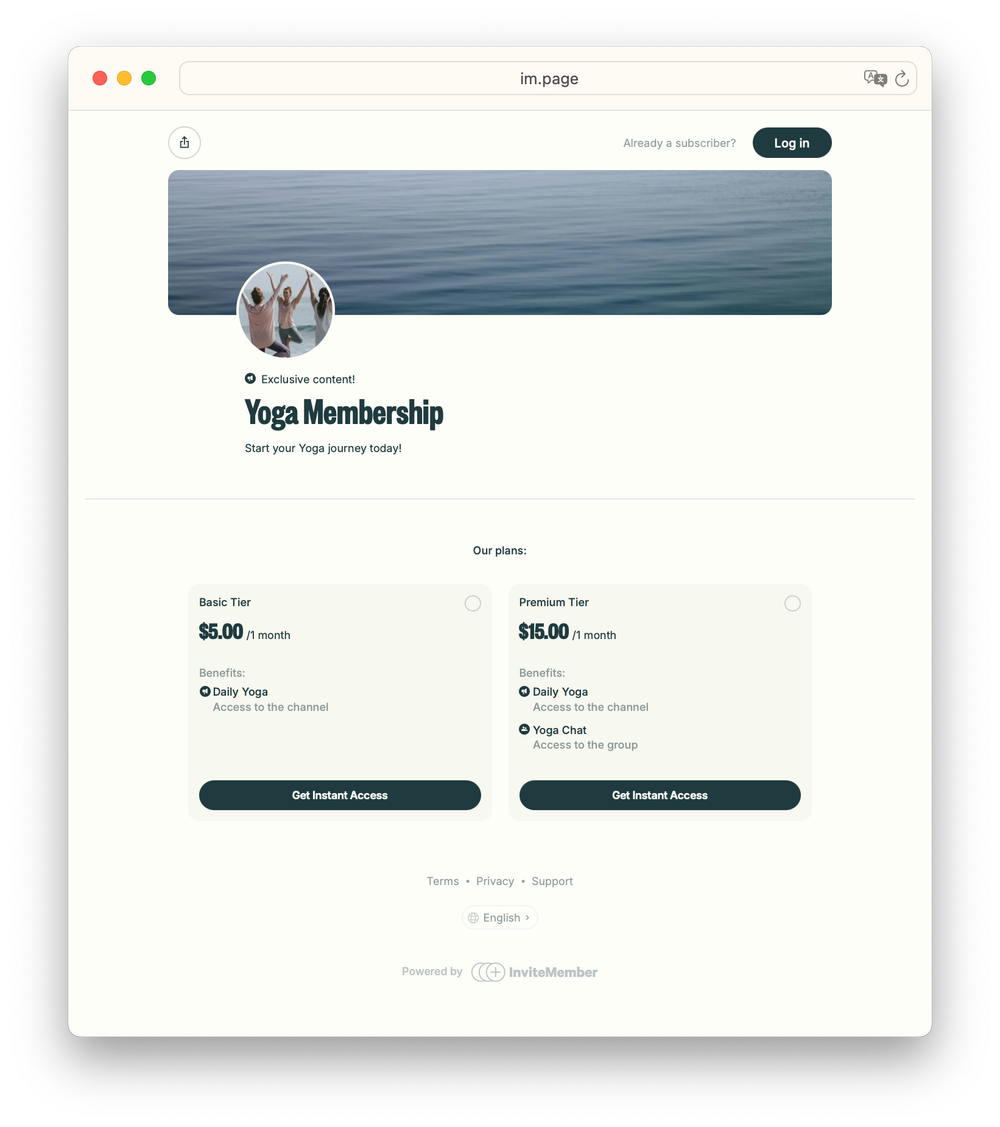
Start with the space where the value naturally happens. A Telegram channel is for members who mainly read. A Telegram group is for conversation. A Discord role works when the paid area is inside an existing Discord server. One plan can also combine a channel for updates, a group for discussion, and a Discord role for events.
Create the project and add the paid areas
If you are building the paid community with InviteMember, create a project first. Then go to Settings > Resources, click Add new +, and connect the places or benefits that the first plan will include.
- Connect a private Telegram channel for one-to-many content. InviteMember needs permission to add and ban users.
- Connect a private Telegram group for member discussion. InviteMember needs permission to add and remove users.
- For Discord, first create the paid role and give it access to the premium channels or forums. Then connect that role in InviteMember. InviteMember assigns the role; Discord decides what the role can open.
- Add a manual resource when you deliver a benefit yourself, such as a consultation, file, or call.
Use public posts, a public Telegram channel, or the membership page to show what the community is about. Keep the paid channel, group, or Discord areas private. A normal public invite link is not a payment system: it can be forwarded and cannot check whether the person who joins still has access.
With InviteMember, private Telegram channels and groups use controlled join requests. The system gives each customer a unique join-request link and checks their access before approving it. When a membership ends, InviteMember removes the person from the connected Telegram resource. For Discord, InviteMember removes the paid role when membership ends.
For the exact resource connection steps, use the Telegram channel guide, Telegram group guide, or Discord role guide.
Create one clear first plan
Open Settings > Subscription Plans and click Add New Plan +. Give the plan a name that says what it is, then set its price, currency, billing period, included resources, and access settings. Add the channel, group, Discord role, or manual benefit you connected in the previous step.
For example, a plan called "Weekly coaching group" can charge $25 per month and include the private Telegram group plus a monthly live call. Put the price, period, and included benefits in the plan description. This is easier to understand and support than several similar plans with unclear differences.
For a first version, choose one of these paths:
- Recurring plan: use it when members receive new value each billing period.
- One-time plan: use it for a fixed event, short program, or limited pass.
- Free plan: use it for a lead magnet, onboarding space, bonus group, or free entry point. It can be activated from the membership page or bot without payment.
Copy the direct Bot or Page link only after the plan and its description are ready. Do not add a free trial, discount, access code, or several audience-only plans just because they are available. Add one only when it solves a real part of the offer. The special-offers guide explains when each of those tools fits.
Make the first week easy for a new member
Someone who has just paid should know where to go and what to do first.
Prepare these before launch:
- a project description that says what the community is about;
- a plan description that states the price, period, and included benefits;
- a welcome message with the first action to take;
- rules or a pinned post inside the private space; and
- a support contact for payment or access questions.
The member should not have to ask where the channel is, whether their plan includes the group, or how to contact you. Clear onboarding is part of the paid product.
Test the full member path
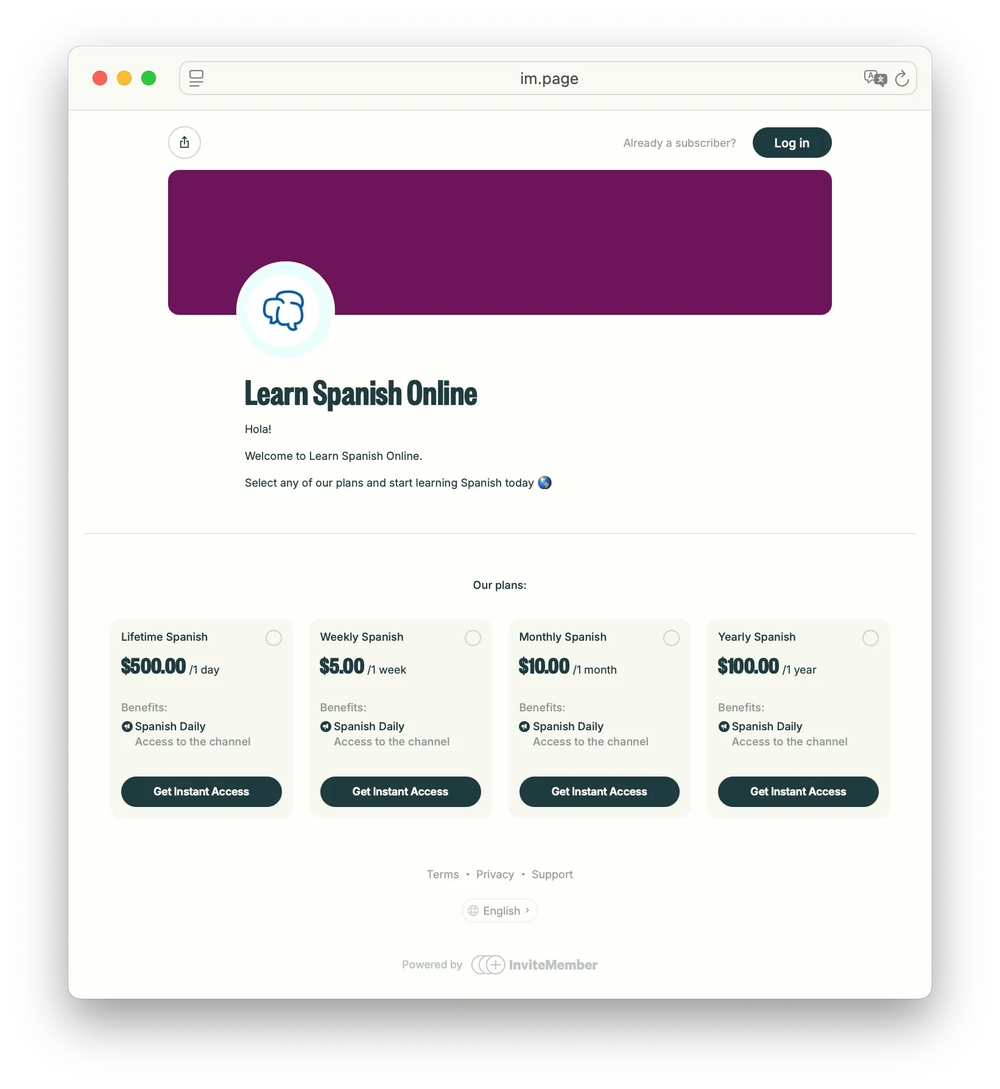
Use a second account before you announce the community. Test the membership page, bot, plan, payment option, and every included resource.
Check that:
- the project name, description, support details, and visible plans are correct;
- the plan shows the right price, period, and resources;
- after activation or payment, the member sees the correct join buttons;
- the member can enter the private Telegram channel or group;
- the Discord role unlocks only the intended areas; and
- access is removed correctly when the test membership ends or is canceled.
Use the payment provider's test mode where it is available. Test access codes carefully: an access code used to test a paid plan counts toward sales volume, so revoke a test code immediately after checking it.
Avoid the launch mistakes that cause support work
The usual problems are simple:
- selling a vague promise instead of a clear benefit;
- using a public invite link for a paid space;
- creating too many similar plans before anyone has joined;
- promising a manual benefit without a delivery process; and
- sending people to a plan that has not been tested.
Launch the small, clear version first. You can add another plan or member area when there is a real reason for it.
FAQ
Should I use Telegram or Discord for a paid community?
Use a private Telegram channel for mostly one-way content, a Telegram group for member discussion, and a Discord role for premium areas in a Discord server. Choose the place your members will actually use.
Can I start with one plan?
Yes. One clear plan is usually the best first launch. Add more plans only when they provide a different benefit, price, or access period.
Do I need a website?
No. You can share a hosted membership page or a Telegram bot link. A page is useful for people arriving from a website, social profile, email, or ad; a bot is useful when the audience already uses Telegram.
Can I offer a free community before a paid plan?
Yes. A free plan can provide a free entry point, onboarding space, bonus group, or lead magnet. Keep the paid benefit clear so people understand why they would upgrade.
Final answer
Start a paid community by choosing the member benefit, putting it in the right private space, and launching one plan that clearly states access and price. Then test the member journey from payment to private access before you invite anyone in.

