

Profile Rating is Telegram's numbered badge for a person's profile. When it appears near someone's name, it shows a level based on the total volume of certain successful Telegram Stars transactions. Telegram introduced it to give channel owners some context when a person makes a request, such as offering a paid Suggested Post.
It is not a Stars balance, a record of normal chat activity, or a score for a paid group or channel. It is a separate profile feature that reflects selected Stars activity. Telegram leaves the badge off when a profile's rating is zero, so you will not see it on every account. A qualifying Stars action can also be pending before it changes the current rating.
What a Negative Rating means
A Negative Rating means that the account's Profile Rating has fallen below zero. Refunding a Star purchase or converting a gift back to Stars can lower it; buying gifts, sending paid messages, and funding Suggested Posts can raise it. The red badge is not proof that someone has scammed people, and it does not show whether they paid for a membership.
Find the rating on a profile
Open a person's Telegram profile and tap the numbered rating badge near their name. The panel shows the types of Stars activity that affect the rating. On your own profile, you may also see a pending rating and the date it will take effect. Other people see your current rating, not that pending change.
The badge shows a level. It is not the person's Stars balance or a list of their transactions.
What raises and lowers it
The rating breakdown uses these weights:
| Stars activity | Effect on the rating calculation |
|---|---|
| Gifts bought directly from Telegram | Adds 100% of the Stars spent. |
| Resold gifts, paid messages, and channel posts | Adds 20% of the Stars spent. |
| Star-purchase refunds and gifts converted back to Stars | Deducts 10 times the refunded Stars and 85% for gifts converted back to Stars. |
A refund of a 100-Star purchase therefore subtracts 1,000 from the rating calculation. That can outweigh several positive transactions. It does not mean 1,000 Stars were taken from the account's balance. The badge also does not reveal why the purchase was refunded.
Buying Stars only adds to your balance. To raise the rating, the listed positive activities involve spending Stars. Stars are also different from Toncoin, which has its own payment uses.
What to check if your rating is negative
- Open your own profile and tap the rating badge. Read the current rating and any pending change. If Telegram shows a date, that is when the pending rating is due to apply to your account.
- Review recent Star-purchase refunds and any gifts you converted back to Stars. On Android, Settings > My Stars shows your Stars activity.
- If Telegram shows an amount of Stars needed to move out of negative, treat it as the figure for your account, not a rule for everyone. Buying Stars without using them for qualifying activity does not raise the rating.
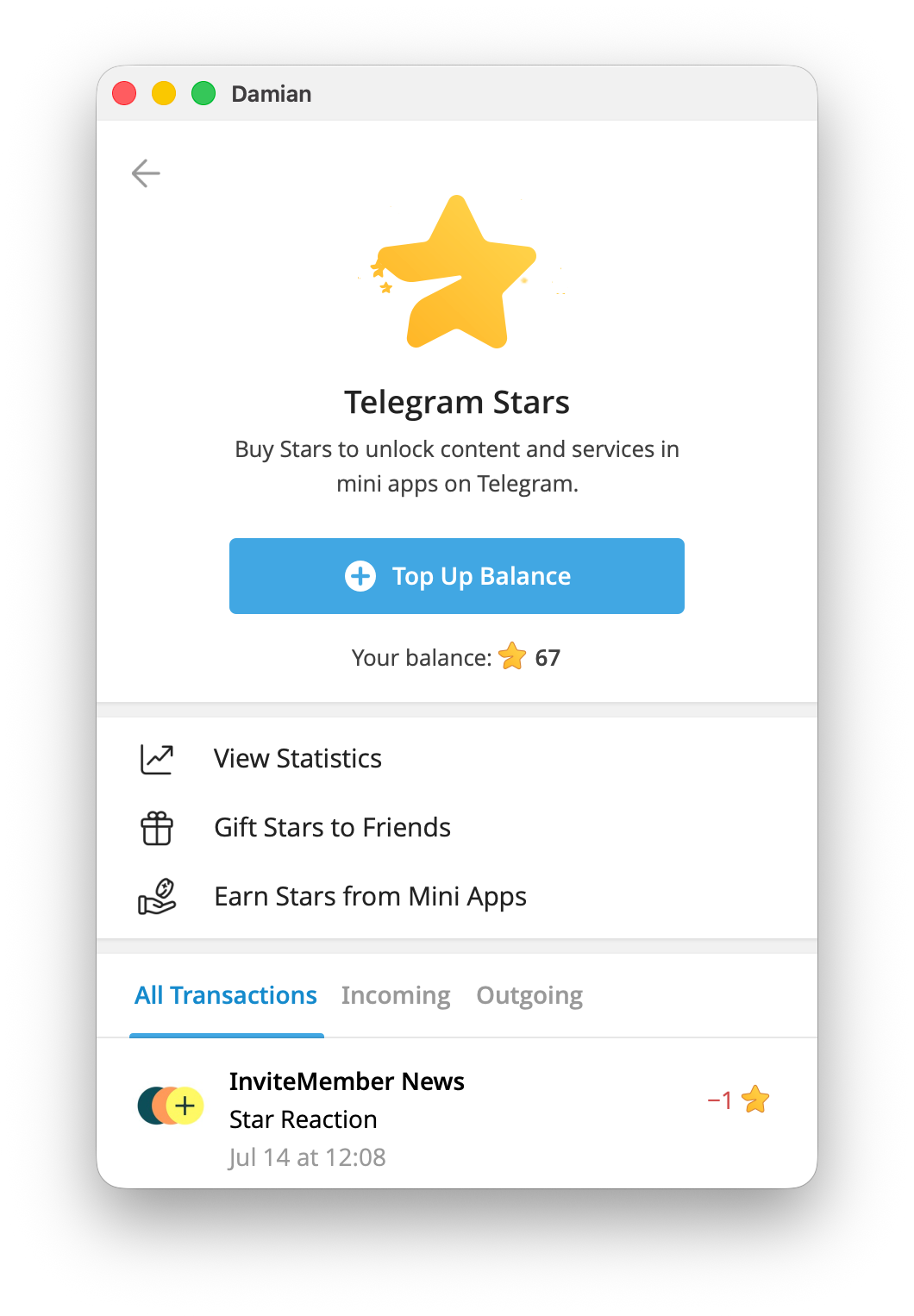
The warning can look severe because a Star-purchase refund counts tenfold. A gift conversion can lower the score too, even though it is not a failed payment. Neither action, by itself, tells another person the full story. If your transaction history does not explain what you see, use the appropriate route in our guide to contacting Telegram support.
What channel owners can learn from it
A rating can be one signal when someone offers a paid Suggested Post to your channel. It does not verify the proposed post, the destination of its links, or the sender's conduct outside the listed Stars activity. Review the post and its terms before accepting it.
For paid groups and channels, check the member record
If you sell access to a private group or channel, a person's public Profile Rating is not their membership status. In InviteMember, select your project, open Users, and open that person's record to check their subscription and payment history in the project dashboard. That is the relevant record for paid access.
InviteMember can accept Stars in a membership bot, but this does not make Telegram's Profile Rating a subscription badge. For a wider explanation of Stars checkout and paid access, see our Telegram Stars and Mini Apps guide.

