

If you want to add someone on Telegram, the fastest method is usually username search or phone contacts. If you want to add paid members to a private Telegram group or channel, do not rely on a normal public invite link. Use a controlled paid-access flow so only active subscribers get in.
Adding one contact, growing a free group, and managing a paid Telegram community are not the same job. Telegram gives you ways to add people, but paid access needs tighter control from the start.
Quick answer: which method should you use?
| Goal | Best method |
|---|---|
| Add one person without a phone number | Search by username |
| Add one person whose number you already have | Save the number and open Telegram contacts |
| Add paid members to a private group or channel | Share your subscription bot or page links, not a normal public invite link |
| Add people to a Telegram group | Add contacts, search by username, or use an invite link |
| Add people to a Telegram channel | Invite the first subscribers directly, then use the public username or a private invite link |
| Add someone without showing your number | Use usernames or invite links |
How to add paid members to Telegram
If you run a paid Telegram group or channel, this is the part that matters most.
Telegram can add people to chats, groups, and channels, but payment, renewals, and access control are a separate workflow. That means paid members should not be handled with a normal share link alone.
The safer setup is:
- Create a subscription project
- send your subscription bot or page links to your potential customers
- remove access automatically when a subscription ends

This matters because a normal invite link is easy to overshare. Once that happens, unpaid users can get in and manual cleanup becomes a recurring problem.
If you want the business setup behind this, start with Paid Subscription Business in Telegram or How to Start a Subscription Business on Telegram.
If you are still deciding what kind of private community to run, use Telegram Private Channels & Groups.
How to add someone on Telegram by username
Telegram's FAQ says you can contact people by typing their Telegram username into the search field. You do not need their phone number for this.
The practical flow is:
- Open Telegram.
- Use the search bar.
- Type the person's username.
- Open the correct profile or chat.
- Send a message or add them to your contacts.
Telegram also says that if someone finds you by username and you reply, your phone number is not shown automatically unless your privacy settings allow it.
How to add someone on Telegram from your phone contacts
If you already have the person's number, this is usually the easiest route.
- Save the phone number in your device contacts.
- Open Telegram.
- Check your Contacts list or search for the person's name.
- Open the chat and message them.
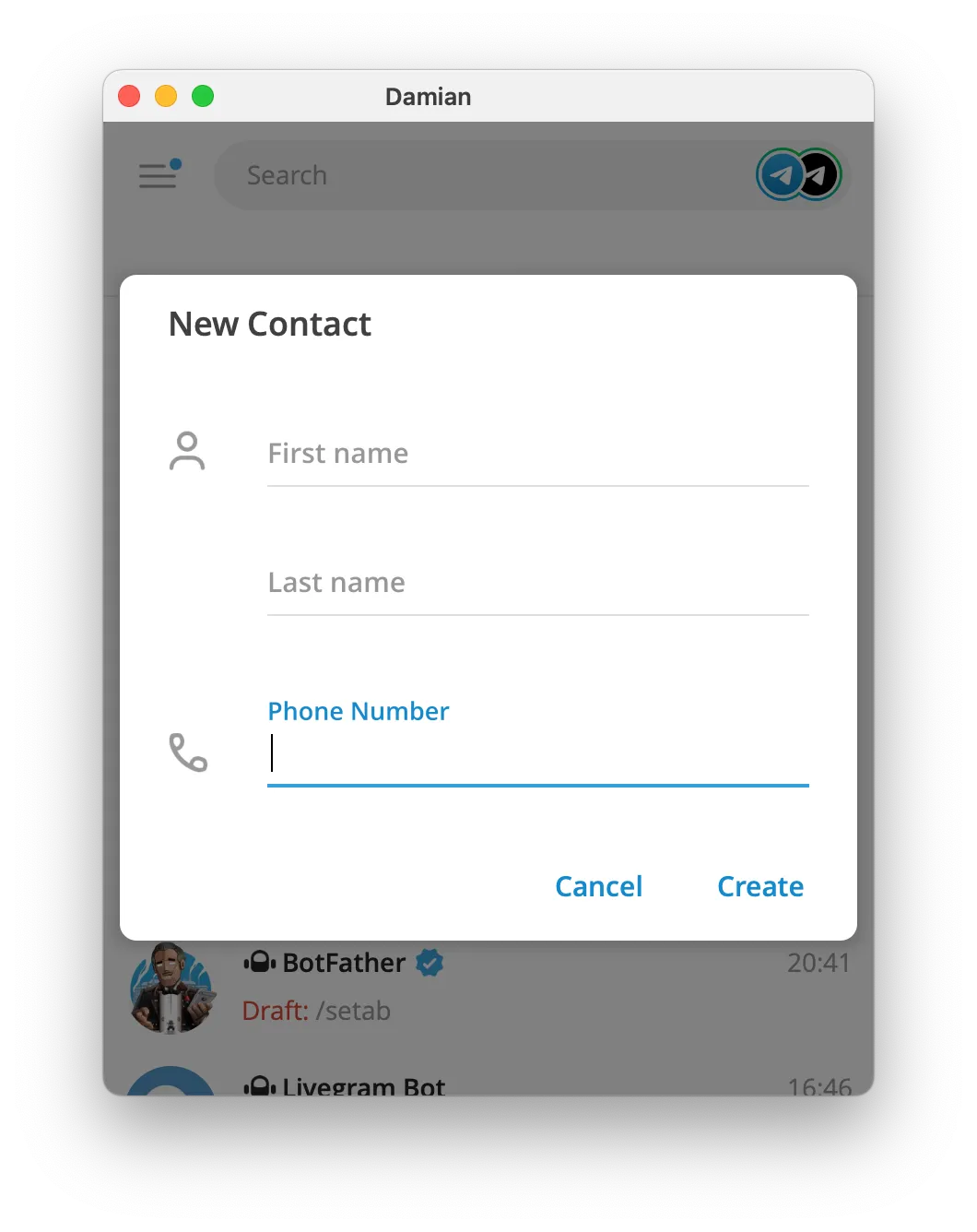
Telegram's FAQ says contacts who use Telegram appear in your Contacts list. Current Telegram app strings also still show Add to Contacts, which is useful if someone messages you first and you want to save them from inside the chat.
If Telegram is not showing the contact correctly or account access is blocking you, use How to Contact Telegram Support.
How to add people to a Telegram group
Telegram's FAQ says you can add members to a group from your contacts or by using search by username.
If you want to bring in several people, the cleaner option is usually an invite link.
Telegram gives this path for group invite links:
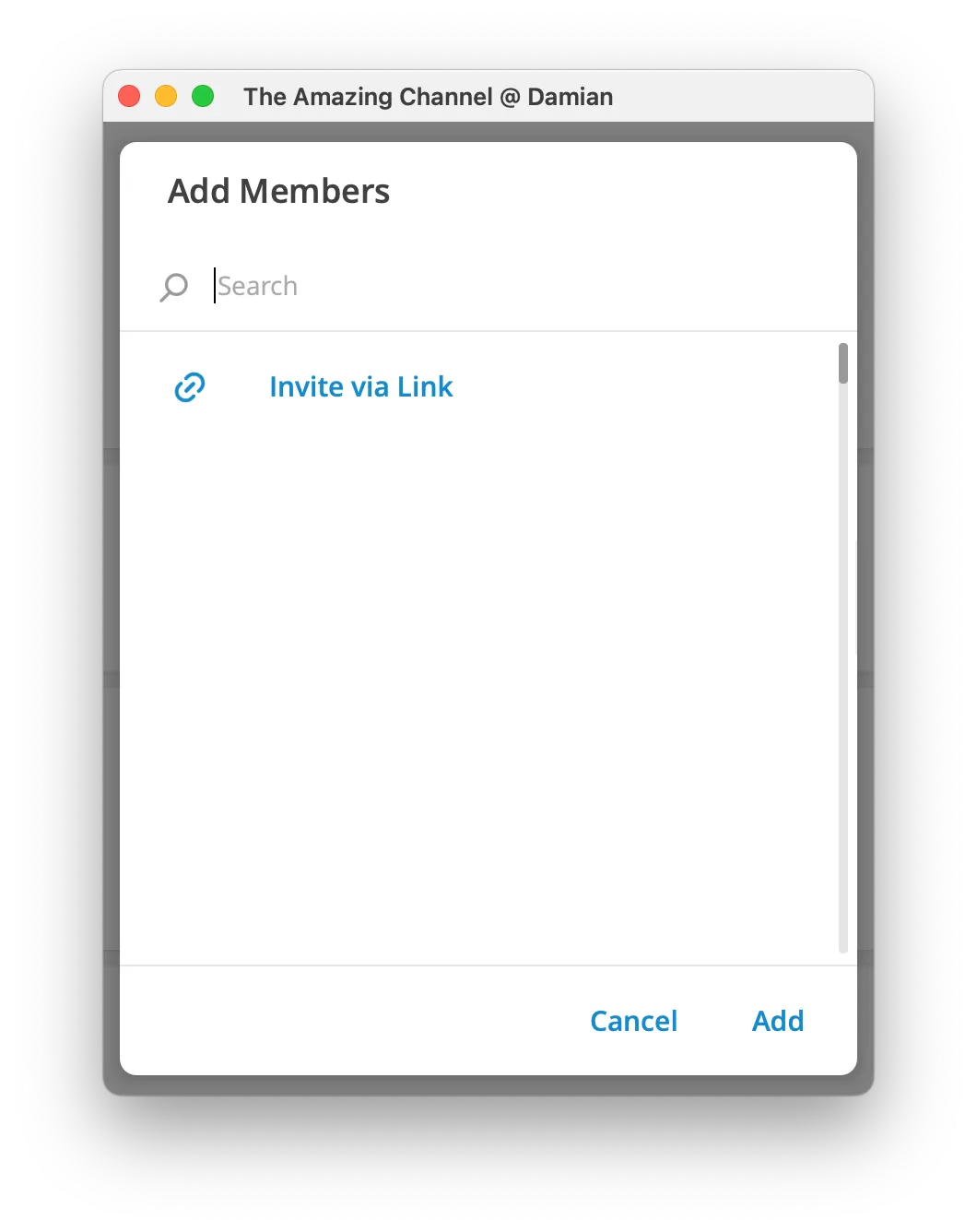
Group Info -> Add Member -> Invite to Group via Link
That is usually better than adding people one by one, especially if the group is growing or you need one simple link to share.
If you are starting from scratch, use How to Create a Telegram Group.
If you only need the link part, use How to Share a Telegram Group Link.
How to add people to a Telegram channel
Channels work differently from groups.
Telegram's Channels FAQ says channel owners can invite the first 200 subscribers directly. After that, growth usually depends on the channel's public username or a private invite link.
In practice:
- public channels can be found in Telegram search and joined through their username or
t.melink - private channels are closed, so people need an invite link or a direct owner invitation
- direct invites are limited, so long-term growth usually depends on sharing the right link
If you still need to set the channel up, use How to Create a Telegram Channel.
How to add someone on Telegram without a phone number
You do not always need a phone number to connect with someone on Telegram.
The two main options are:
- search for their username
- use the right invite link
Telegram's FAQ also says people can find you without your number if:
- you both belong to the same group
- you set a public username
That makes usernames especially useful when you want people to find you without exposing your number.
Common mistakes to avoid
Most problems come from mixing up Telegram's different use cases.
- treating paid members like normal free invites
- trying to add channel subscribers the same way you add group members
- expecting a phone number when a username or invite link would be easier
- sharing a private invite link too widely
- sending invite links to strangers, which Telegram warns can lead to spam reports
FAQ
What is the best way to add paid members to Telegram?
Use a private group or channel plus a paid access workflow. InviteMember lets you invite paying members, control access, and remove access if a subscription ends.
Can I add someone on Telegram without a phone number?
Yes. The easiest way is to search for their username. You can also use group or channel invite links.
Will someone see my phone number if I add them by username?
Not automatically. Telegram says people who find you by username do not see your phone number unless your privacy settings allow it.
What is the fastest way to add a lot of people to a Telegram group?
Use an invite link. It is simpler than adding people one by one.
How do I add people to a private Telegram channel?
Use the private invite link, or invite the first subscribers directly if you are still below Telegram's direct-invite limit.
Can I save someone who messaged me first?
Yes. Telegram's current app interface still includes an Add to Contacts action inside chats and profiles.
Final answer
If you want to add one person on Telegram, use their username or save their phone number and open Telegram contacts.
If you want to add paid members, use a controlled paid-access workflow instead of a normal public invite link.
If you want to grow a free group or channel, use the right invite tools for that specific format.

